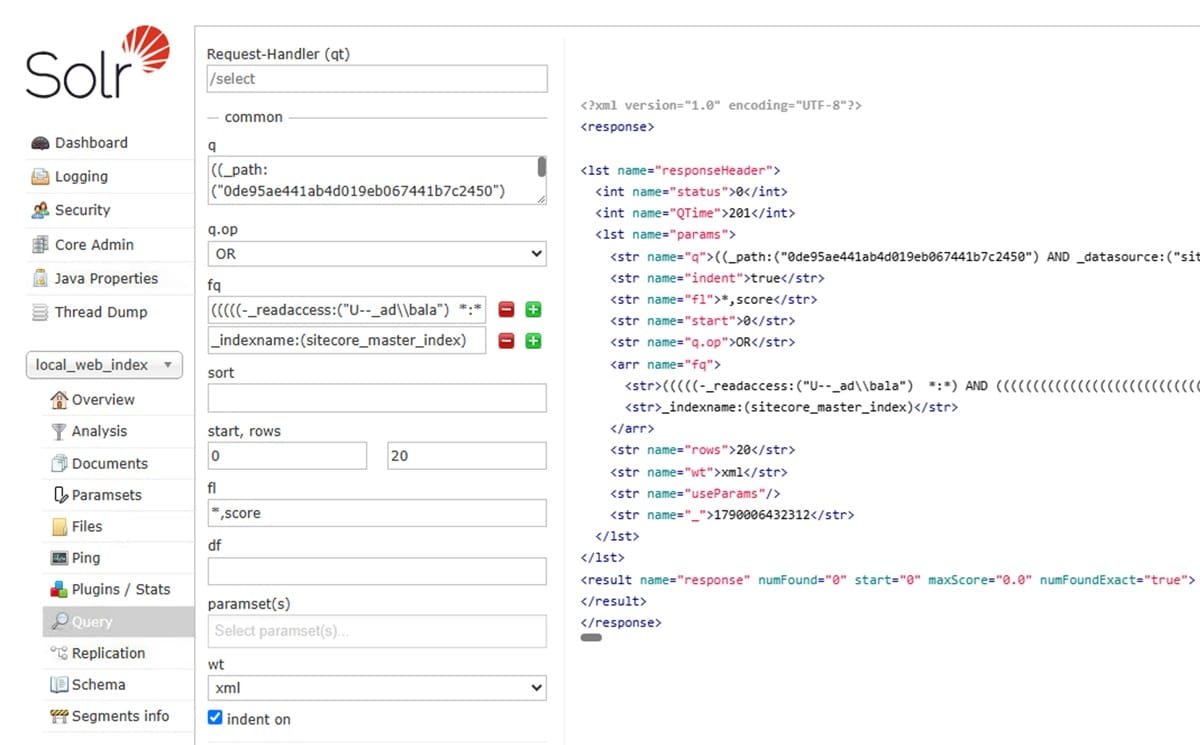
Solr Search with IIS Reverse Proxy Error and Fix

Issue
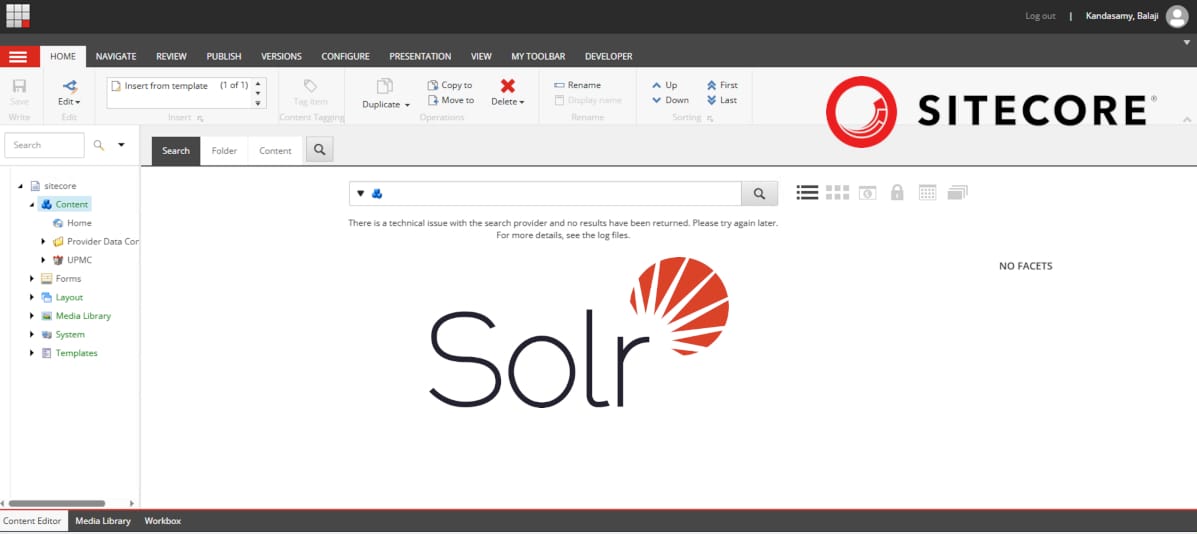
Sitecore Search started failing intermittently for regular users on a Sitecore conrent editor but not for admin usesrs. The errors looked infrastructure-related at first glance: HTTP error codes, no application exception, and a failure tied to request size. SOLR was behind IIS reverse proxy due to allowed ports on network. So have to be 443 with https.
Diagnosis
IIS Error
The first error was an IIS one: 404.15, "query string too long." IIS's default maxQueryString limit is a stingy 2048 bytes, and these Solr queries were running way too long.
Fix applied:
<system.webServer>
  <rewrite>
    <rules>
      <rule name="ReverseProxyInboundRule1" stopProcessing="true">
        <match url="(.*)" />
        <action type="Rewrite" url="https://solr.local:8983/{R:1}" />
      </rule>
    </rules>
  </rewrite>
  <security>
  <requestFiltering>
    <requestLimits maxQueryString="65536" maxUrl="65536" maxAllowedContentLength="300000" />
  </requestFiltering>
  </security>
</system.webServer>
This worked for a while. The original 404.15 errors stopped completely. Shortly after the IIS fix, a different failure appeared a bare 400 Bad Request, no IIS sub-status. I have to add this config to fix the error. The combination fix worked and both errors were resolved but still it wasnt working.
  <system.web>
    <httpRuntime maxQueryStringLength="65536" maxUrlLength="65536" />
  </system.web>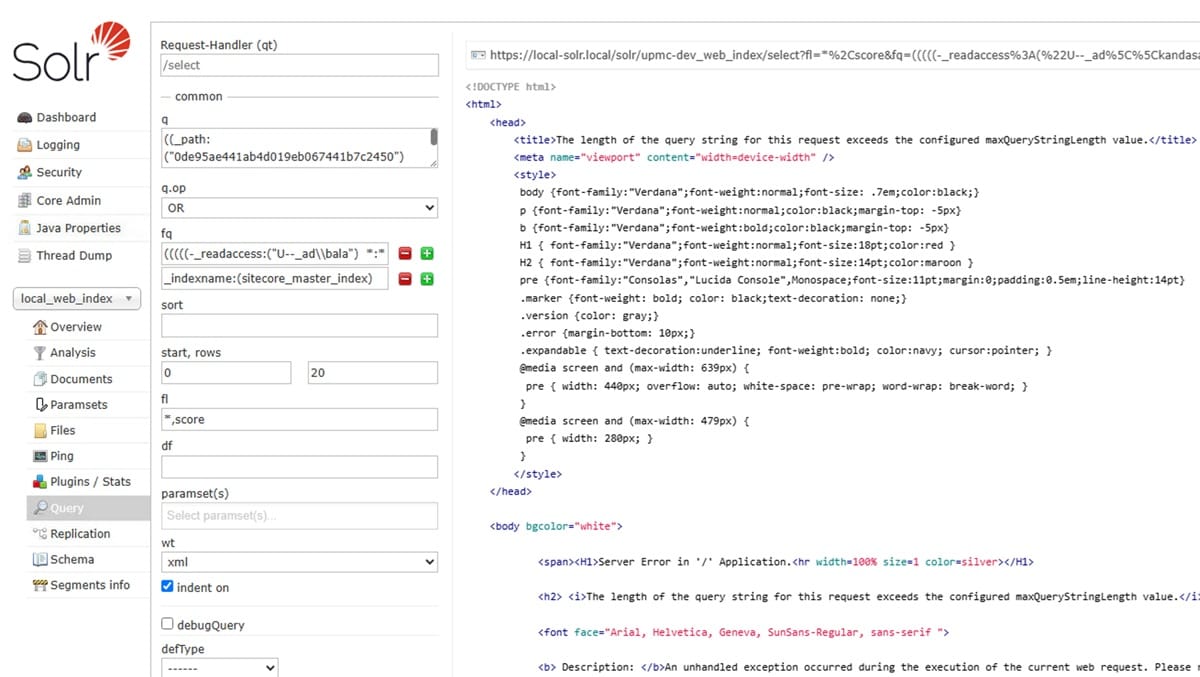
Error was for only regular users and not admins
This shifted the error investigation. Admin accounts bypass Sitecore's security trimming entirely, so their Solr queries never carry the extra filter clauses. Regular users will have the security trimming.
Sitecore's Solr security predicate builder was enumerating every role a user belonged to and for each role, generating three separate access-state clauses (allow / deny / partial). One affected user had 31 roles:
31 roles × 3 variants = 93 clauses, plus user- and everyone-level clauses ≈ 168 total_readaccessclauses, nested in nestedAND/OR/NOTblocks.
It wasn't really about query string length. It was about how many roles a user has, which happens to correlate with query length but isn't the same thing.
Two fixes were considered:
- Fast, no-restart fix: trim the user's unnecessary role memberships person had only limited regular groups but due to inhertance that was getting long, but this was not possible in real scenario.
- Structural fix: raise the server-side limits so any role count is tolerated the "real" fix, but requiring a maintenance window.
Reading the actual IIS log
The IIS W3C log showed something that we had missed:
- Before IIS fix:
400errors, with a suspiciously constant response body size (3750 bytes) regardless of request size. - After: the error flipped to
414 Request-URI Too Longa different status code, for the same size class of request.
Jetty not IIS
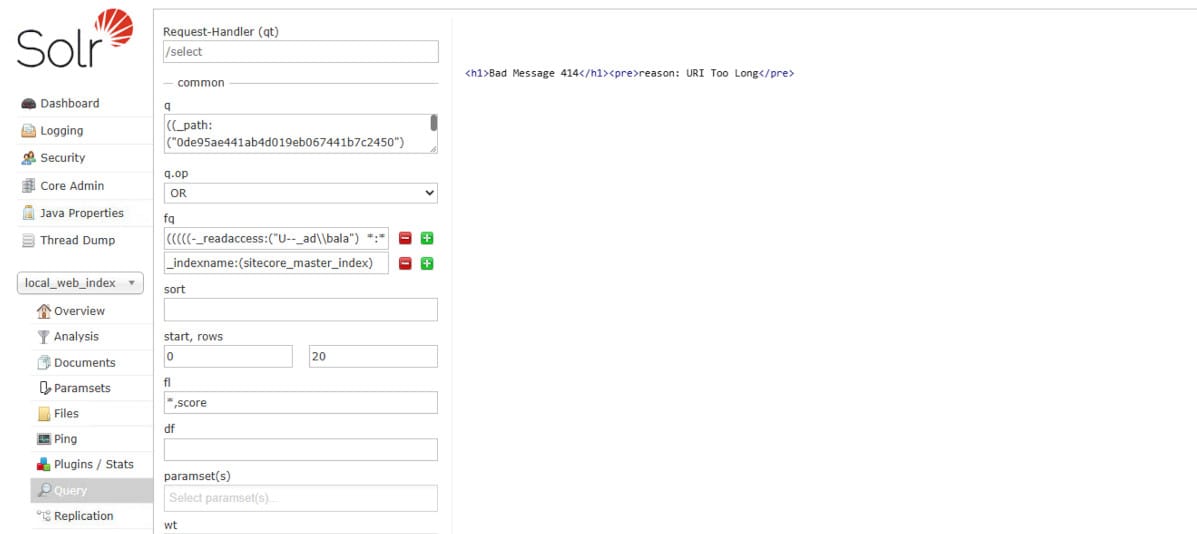
I took the query and executed it on SOLR directly to see if it works. It directly showed the Jetty error text:
Bad Message 414 / reason: URI Too LongThat specific phrasing belongs to Jetty the embedded web server Solr itself runs on not IIS, not ASP.NET. The request had been passing through the entire IIS fine after our fixes. Solr's own server was rejecting it, using its own default request-header buffer size thats not big enough to handle the query.
Solution
One line in solr.in.cmd (Solr's startup environment file) this will increase the default header size.
set SOLR_OPTS=%SOLR_OPTS% -Dsolr.jetty.request.header.size=65536
Then a restart of the Solr service itself not IIS, not an app pool recycle. After the fix the query seems to execute now.